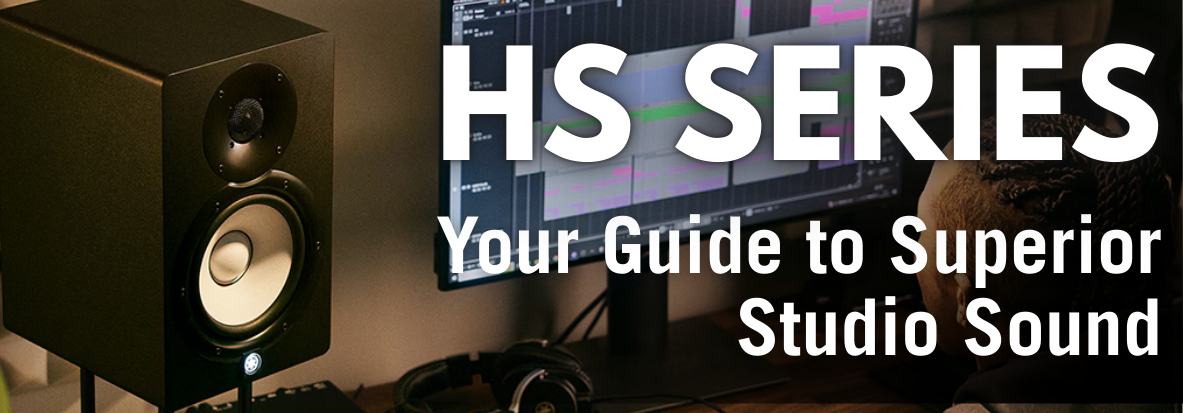
Your guide to superior sound
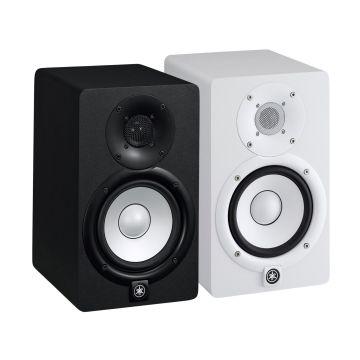
For anyone serious about music production, mixing, and mastering, the Yamaha HS Series monitor speakers are an industry standard. Renowned for their flat, accurate response, these studio monitors provide a reliable sonic foundation for critical listening. Whether you're a budding home studio enthusiast or a seasoned professional, understanding the nuances of these speakers will elevate your audio production. This article delves into the core features, ideal usage, optimal setup, and clever tips to maximize your Yamaha HS speakers experience.
Who Are Yamaha HS Series Monitors For?
The Yamaha HS series is designed for a broad spectrum of audio professionals and enthusiasts, including:
- Music Producers: Get an uncoloured, honest representation of your mixes.
- Mixing and Mastering Engineers: Make precise sonic adjustments with confidence.
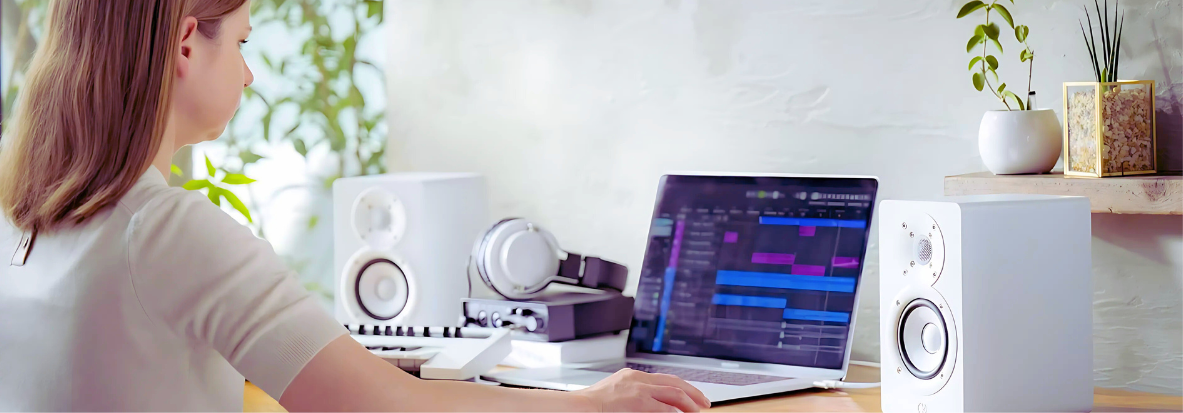
- Home Studio Owners: Elevate your personal recording space with professional-grade sound.
- Audio Post-Production Specialists: Ensure accurate sound design for film, TV, and gaming.
Essentially, if your work demands accurate audio reproduction, these active studio monitors are built for you.
What Are Monitor Speakers Used For?
Unlike conventional hi-fi speakers, monitor speakers are engineered for critical listening. Their primary purpose is to reproduce audio as transparently as possible, without adding any colouration or hype. This allows you to hear every detail, flaw, and nuance in your audio, which is crucial for making informed mixing and mastering decisions. They are indispensable for:
- Mixing: Balancing individual tracks, adjusting EQ, compression, and effects.
- Mastering: Finalizing the sound of a track for release.
- Tracking/Recording: Ensuring clean and accurate audio capture.
- Sound Design: Creating and manipulating audio elements with precision.
Core Features of the Yamaha HS Series
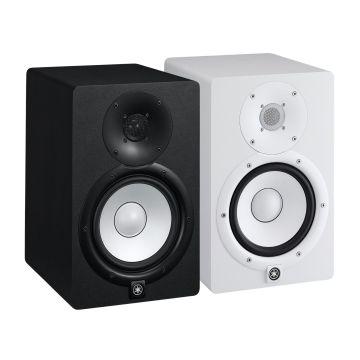
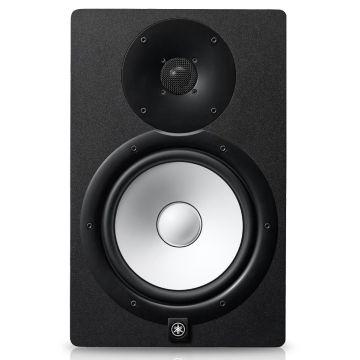
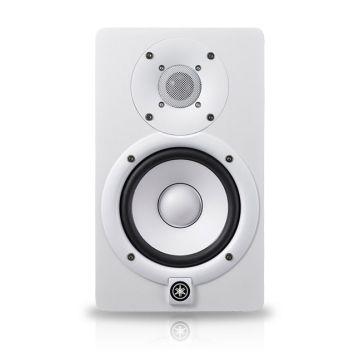
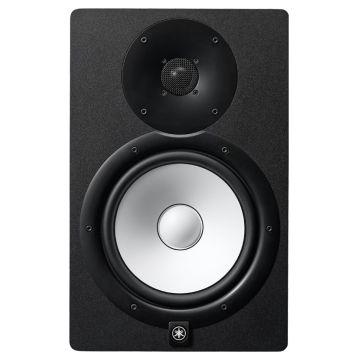
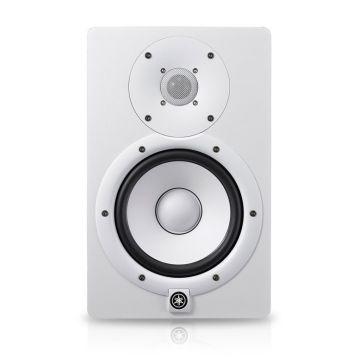
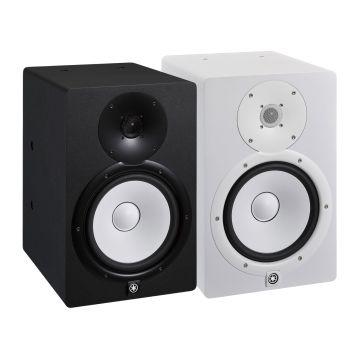
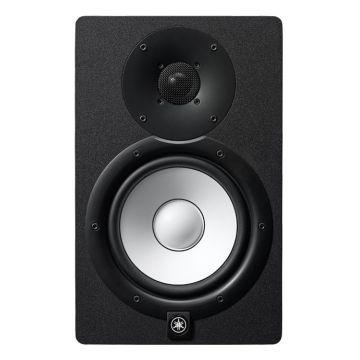
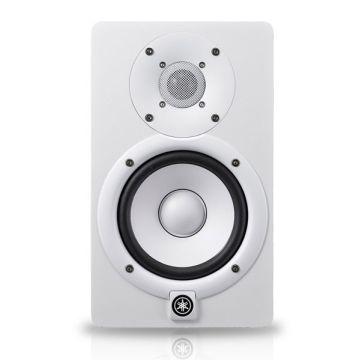
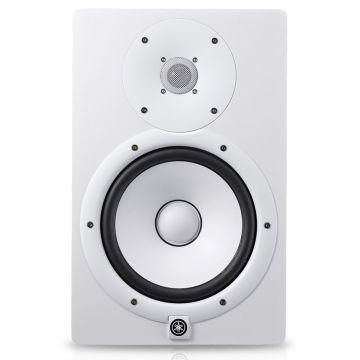
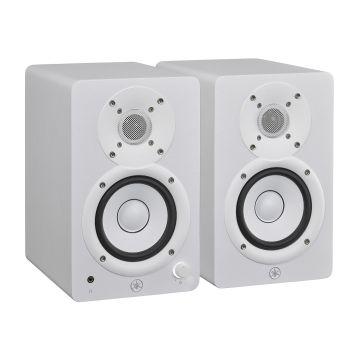
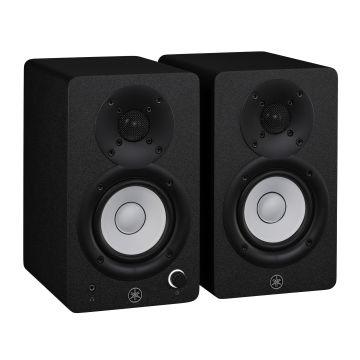
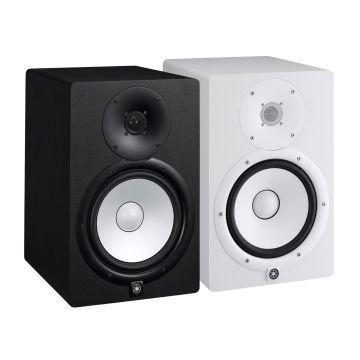
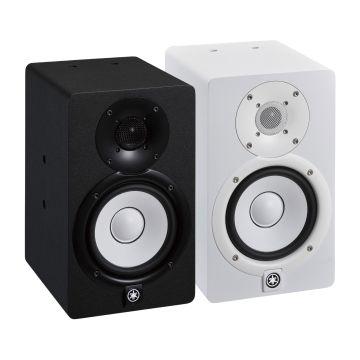
The Yamaha HS Series (including popular models like the Yamaha HS5, Yamaha HS7, and Yamaha HS8) boasts several key features that contribute to their legendary status:
- Flat Frequency Response: Designed to deliver a neutral sound, ensuring you hear your audio exactly as it is, without exaggerated bass or treble. This "truer" sound helps you create mixes that translate well across various listening systems.
- Bi-amplified Design: Each speaker features separate amplifiers for the woofer and tweeter, providing optimal performance and power efficiency. This results in clearer separation and improved transient response.
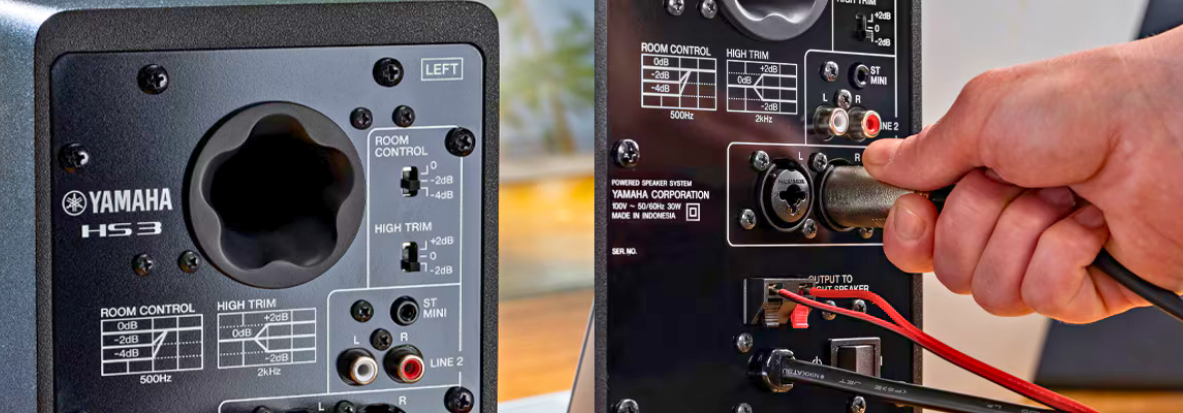
- Room Control & High-Trim Switches: These essential controls allow you to tailor the speaker's output to your specific acoustic environment.
- Room Control: Attenuates unnatural low-end boost that can occur when speakers are placed too close to walls or corners.
- High-Trim: Adjusts the high-frequency response, useful for compensating for overly reflective or dead rooms.
- High-Quality Transducers: Equipped with meticulously designed woofers and tweeters that deliver excellent detail and dynamic range.
- Low Resonance Enclosure: The sturdy MDF cabinet design minimizes unwanted resonance, contributing to accurate sound reproduction.
Setting Up Your Yamaha HS Monitors for Optimal Performance
Proper placement and setup are paramount to unlocking the full potential of your Yamaha HS monitor speakers.
Studio Monitor Placement Principles
- Away from Walls and Corners: Position your studio monitors at least 6-12 inches away from walls and corners. This minimizes reflections and avoids an artificial boost in low frequencies.
- Equilateral Triangle with Listening Position: Your speakers and your head should form an equilateral triangle. This creates a stereo image where the sound appears to emanate from a central point.
- Tweeter at Ear Height: The high-frequency driver (tweeter) should be level with your ears when you are in your primary listening position. This ensures accurate high-frequency perception.
- Symmetrical Mix Position: Situate your mixing position symmetrically within your room. Avoid placing your setup off-center, as this can lead to an uneven stereo field.
- Monitor Orientation: For most near-field monitors like the HS series, a vertical orientation is recommended.
Do I Need an Audio Interface for Monitor Speakers?
Yes, almost universally. Studio monitor speakers typically connect to an audio interface or a mixer. An audio interface serves as the bridge between your computer and your monitors, converting digital audio to analog and providing balanced outputs for a clean signal. For the Yamaha HS Series, an audio interface with balanced TRS or XLR outputs is ideal.
Do Monitor Speakers Need an Amp?
No, the Yamaha HS Series are active monitor speakers, meaning they have built-in amplifiers. You do not need an external amplifier. This simplifies your setup and ensures the amplifiers are perfectly matched to the speakers' drivers for optimal performance.
Enhancing Your Studio Setup: Subwoofers & Matched Pairs
Benefits of Getting a Subwoofer for Your Studio Monitors
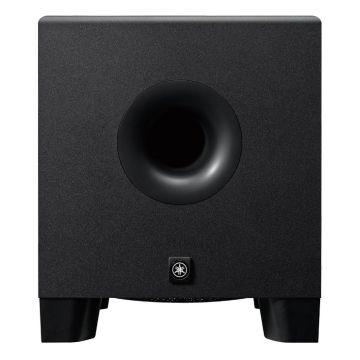
While Yamaha HS speakers offer excellent bass response, adding a dedicated studio subwoofer like the Yamaha HS8S can significantly enhance your low-end perception and control.
- Extended Frequency Response: A subwoofer extends the overall frequency response of your setup, reaching much lower frequencies than monitors alone. This is crucial for genres with deep bass content.
- More Control Over the Low End: Subwoofers provide dedicated controls, such as crossover frequency and polarity, allowing you to fine-tune how your low-end integrates with your main monitors. This helps prevent the common issue of kick drums and bass lines clashing in a mix.
- Bass You Can "Feel": Experiencing bass frequencies physically, not just hearing them, is vital for understanding how your music will translate in real-world environments like clubs or cars. A subwoofer delivers that visceral impact.
The Advantage of Matched Pairs
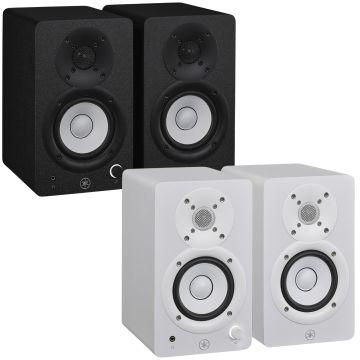
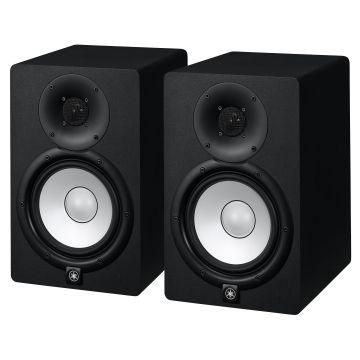
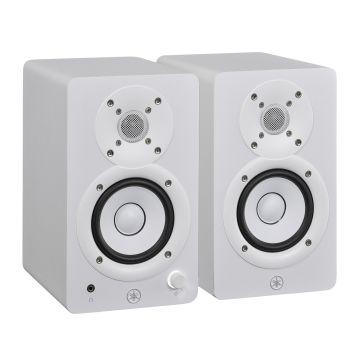
When purchasing Yamaha HS monitors, consider buying them as a "matched pair" where available. While modern manufacturing is highly consistent, a matched pair ensures that both speakers have been tested and calibrated together for the most accurate stereo imaging and frequency response. This is a subtle but valuable advantage for critical listening environments.
Cool Tips & Tricks for Your Yamaha HS Monitors
- Experiment with Room Correction Software: Once your monitors are physically positioned, consider using room correction software to further optimize your setup for your specific room acoustics.
- Listen at Different Volumes: Regularly listen to your mixes at various volume levels. Our ears perceive frequencies differently at different volumes (Fletcher-Munson curves).
- Reference Other Tracks: Always compare your mixes to professionally produced tracks you admire. This helps you calibrate your ears and identify areas for improvement.
- Acoustic Treatment is Key: While Room Control switches help, investing in basic acoustic treatment (bass traps, diffusers, absorption panels) for your studio will dramatically improve the accuracy of your monitors.
In Summary
The Yamaha HS Series monitor speakers are an investment in sonic accuracy and a cornerstone for any serious audio endeavor. By understanding their purpose, leveraging their features, and meticulously setting them up, you'll gain an unparalleled insight into your audio. From the precise mid-range of the Yamaha HS5 to the powerful low-end of the Yamaha HS8, these professional studio monitors will serve as your honest sonic window, enabling you to create mixes that truly shine. Explore the full range of Yamaha HS monitors and take the first step towards a more accurate and enjoyable listening experience.